
Professional LinkedIn AI Photo Editing Prompt
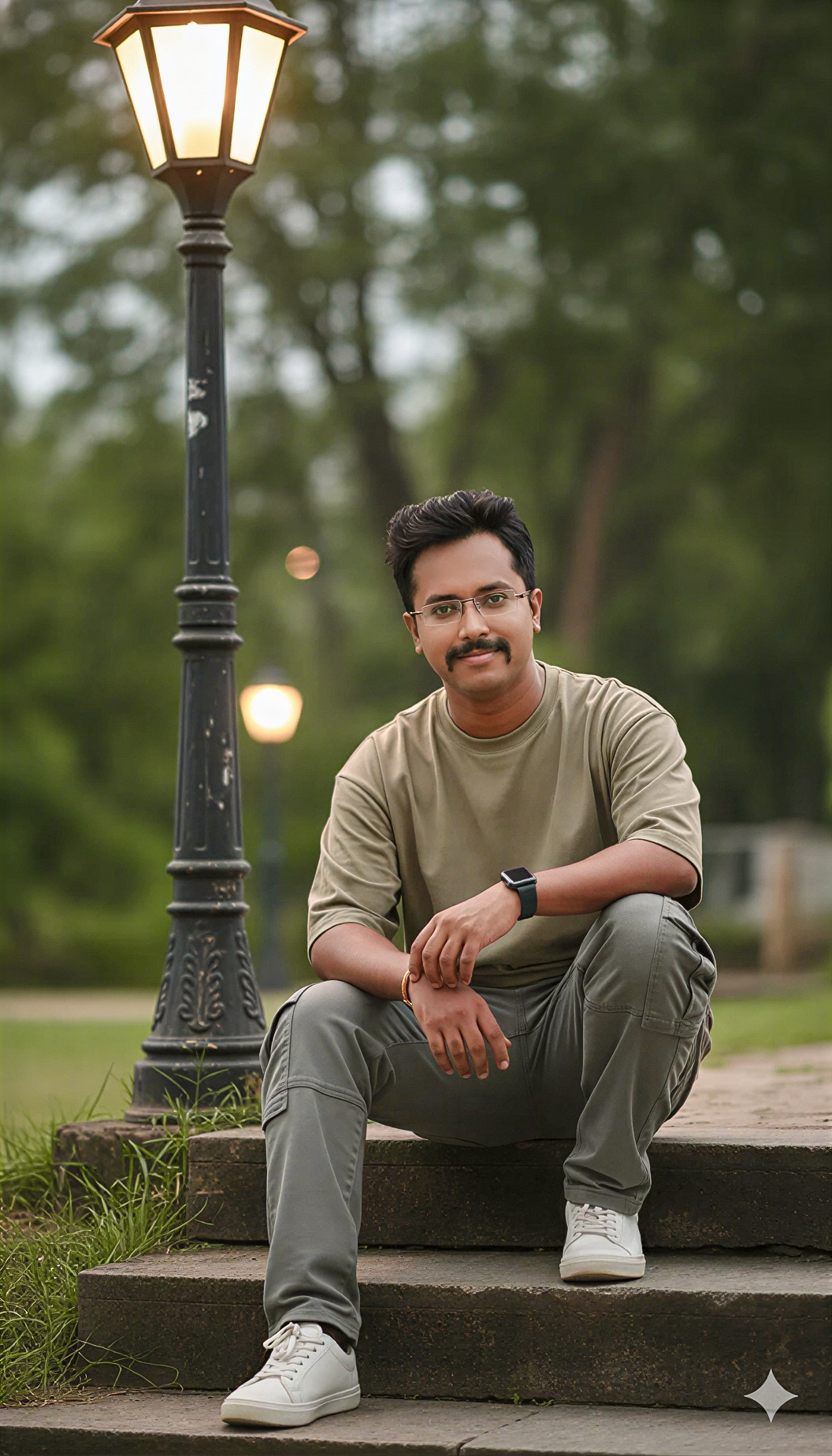 By Sudip Jana
0 Comments
By Sudip Jana
0 Comments
Create a Clean Professional Profile Photo
A strong professional profile image should look natural, clear, and trustworthy without excessive editing. AI photo tools can improve the background, lighting, and composition of an existing portrait while keeping the person’s identity intact. This prompt is designed for business profiles, portfolio pages, and professional social networks.
Copy and Paste Prompt
Prompt: Transform the uploaded portrait into a realistic professional business headshot. Preserve the person’s face, identity, hairstyle, natural skin texture, age appearance, and facial proportions. Place the subject against a clean modern office or neutral studio background with soft professional lighting, balanced exposure, subtle depth of field, and realistic shadows. Keep clothing neat and professional without changing the person’s recognizable style. Improve image clarity gently while preserving natural skin details. Create a polished high-resolution headshot suitable for a professional profile, company website, portfolio, or business card.
Choose a Suitable Background
A neutral studio wall, softly blurred office, or modern architectural background can work well. Avoid busy rooms, strong patterns, or distracting objects behind the head and shoulders.
Use Balanced Lighting
Professional headshots usually benefit from soft light on the face and controlled shadows. Ask the editor to preserve natural skin tones and avoid excessive smoothing or beauty effects.
Keep the Crop Simple
A head-and-shoulders crop is versatile for profile platforms. Leave a small amount of space above the head and avoid cutting too closely around the face.
Final Quality Check
Before publishing, check the eyes, hair edges, teeth, clothing, and background for AI artifacts. If anything looks unusual, regenerate with a more specific instruction instead of accepting the first result.
For a slightly more approachable profile, use a bright neutral office background and a natural smile. For a formal business look, use a darker neutral background and a calm expression. The lighting should remain soft in both versions.